
Windows Containers
Most cloud agent platforms are Linux-only. ClusterCode boots real Windows VM DevBoxes — an actual Windows VM under the hood — so if your stack is .NET, your tests are Windows-only, or your app has to render on Windows to count, that’s a tier you pick, not an edge case you work around.
A real VM, not an emulation layer
Section titled “A real VM, not an emulation layer”A Windows DevBox runs a genuine Windows VM. You get the real desktop, the real shell, and the real toolchain — the same Windows a developer would use, running on a Cloud worker or one of your own BYOM workers that supports Windows VMs.
You get the same hands-on workflow you’d get on a Linux DevBox: launch it, take the live terminal, and work on the same visual desktop an agent can see and drive — on Windows.
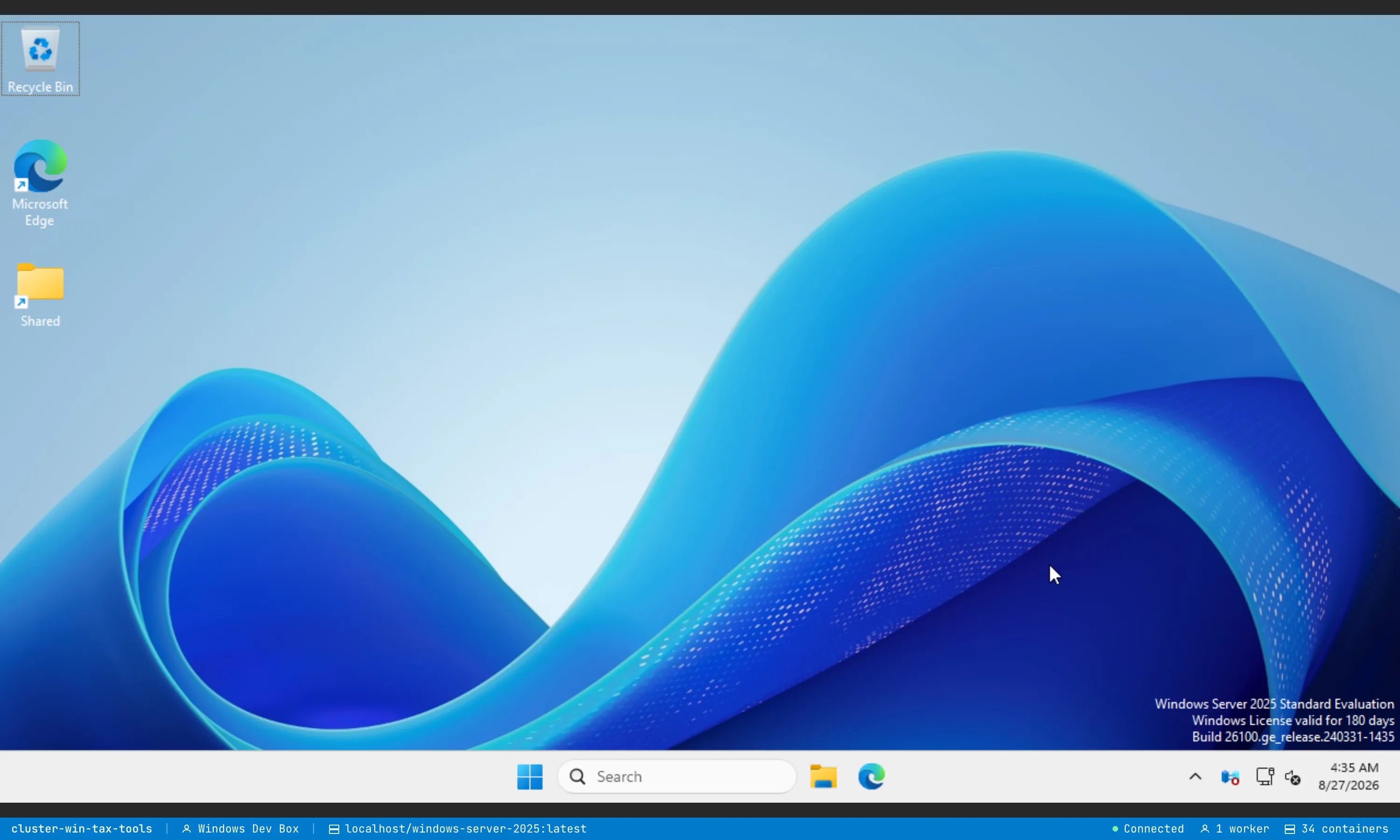
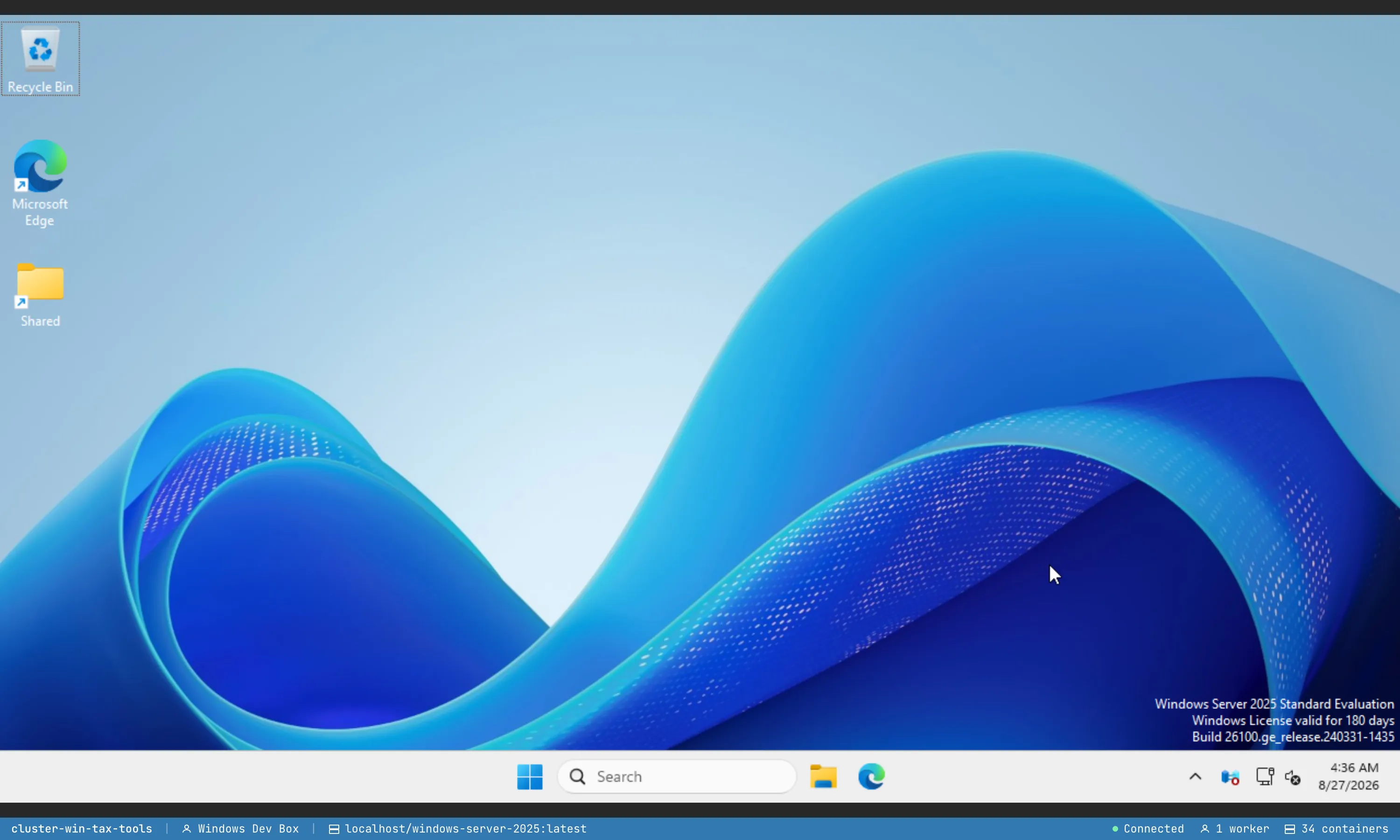
This is that desktop, in the browser — the real Windows shell, taskbar and all, served from a DevBox running on a worker:
When you want one
Section titled “When you want one”- .NET / Visual Studio workflows — build and test on the platform you ship on.
- Windows-only tests — anything that has to run against the Windows API.
- Visual rendering on Windows — verify the UI actually renders correctly on Windows, not just “the Linux build is green.” Pair this with visual testing and the agent can open the running app on the Windows desktop and look at it.
Pricing
Section titled “Pricing”Windows DevBoxes come in three sizes (Small, Medium, Large). They run a full Windows VM, so they carry more memory and a higher hourly rate than the equivalent Linux tier.
First boot vs golden image
Section titled “First boot vs golden image”A real Windows VM normally has to run the Windows install on first boot — a one-time 20–30 minute install from scratch. Whether you ever see that wait depends on where the DevBox runs.
On Cloud workers — no first-boot install
Section titled “On Cloud workers — no first-boot install”Windows DevBoxes on Cloud workers launch from ClusterCode-maintained golden images: Windows and the standard tooling are already installed and baked into the image layer. The post-install disk ships inside the image, so the DevBox comes up at a working desktop in seconds — you never wait through a Windows install. This is the default, and the only, path on Cloud workers.
On your own (BYOM) worker — pay it once, then bake your own golden
Section titled “On your own (BYOM) worker — pay it once, then bake your own golden”On a BYOM worker with Windows-VM support, the first time you boot a fresh Windows DevBox from the base, it runs the one-time Windows first-boot install (~20–30 minutes — a genuine Windows install from scratch).
You only pay that once. Snapshot the configured Windows DevBox into your own golden image: every future launch on your worker then skips the first-boot install and comes up at a working desktop fast, because the post-install disk is baked into your image. Your snapshot stays on the worker that built it — it isn’t copied to your other workers or to Cloud workers.
Related
Section titled “Related”- Cloud workers — canonical pricing + managed compute
- Build an Image from a Container — bake a Windows golden image
- Visual testing — see the UI render on the Windows desktop
- Containers