What is ClusterCode?
ClusterCode is a self-hosted platform for orchestrating agentic development across machines you own. It gives you a centralized dashboard to launch, monitor, and steer AI coding agents running inside isolated DevBoxes on your worker machines — on demand, on a schedule, or by chatting with an in-app assistant.
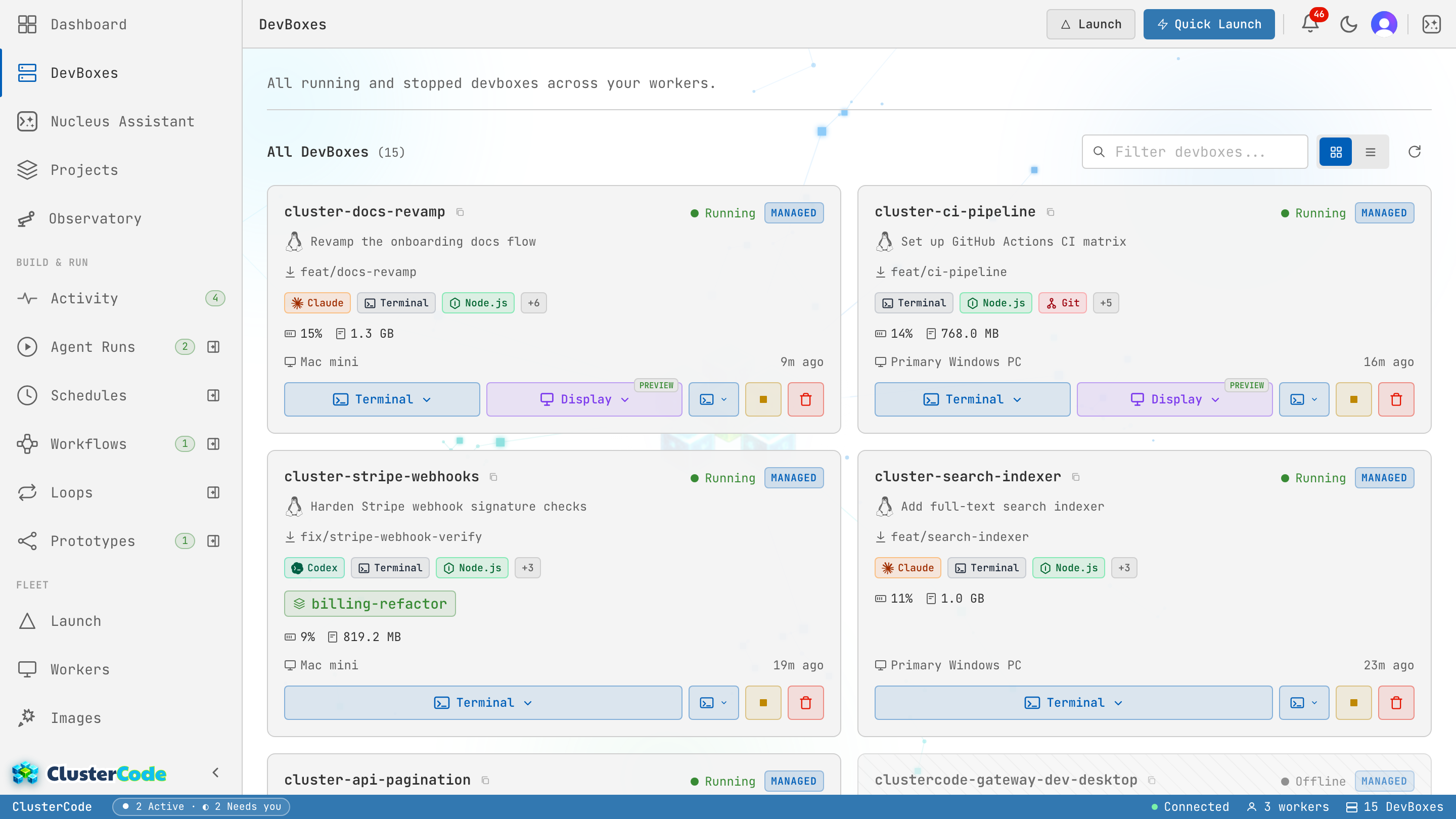
The Cluster
Section titled “The Cluster”ClusterCode ties your machines into one cluster:
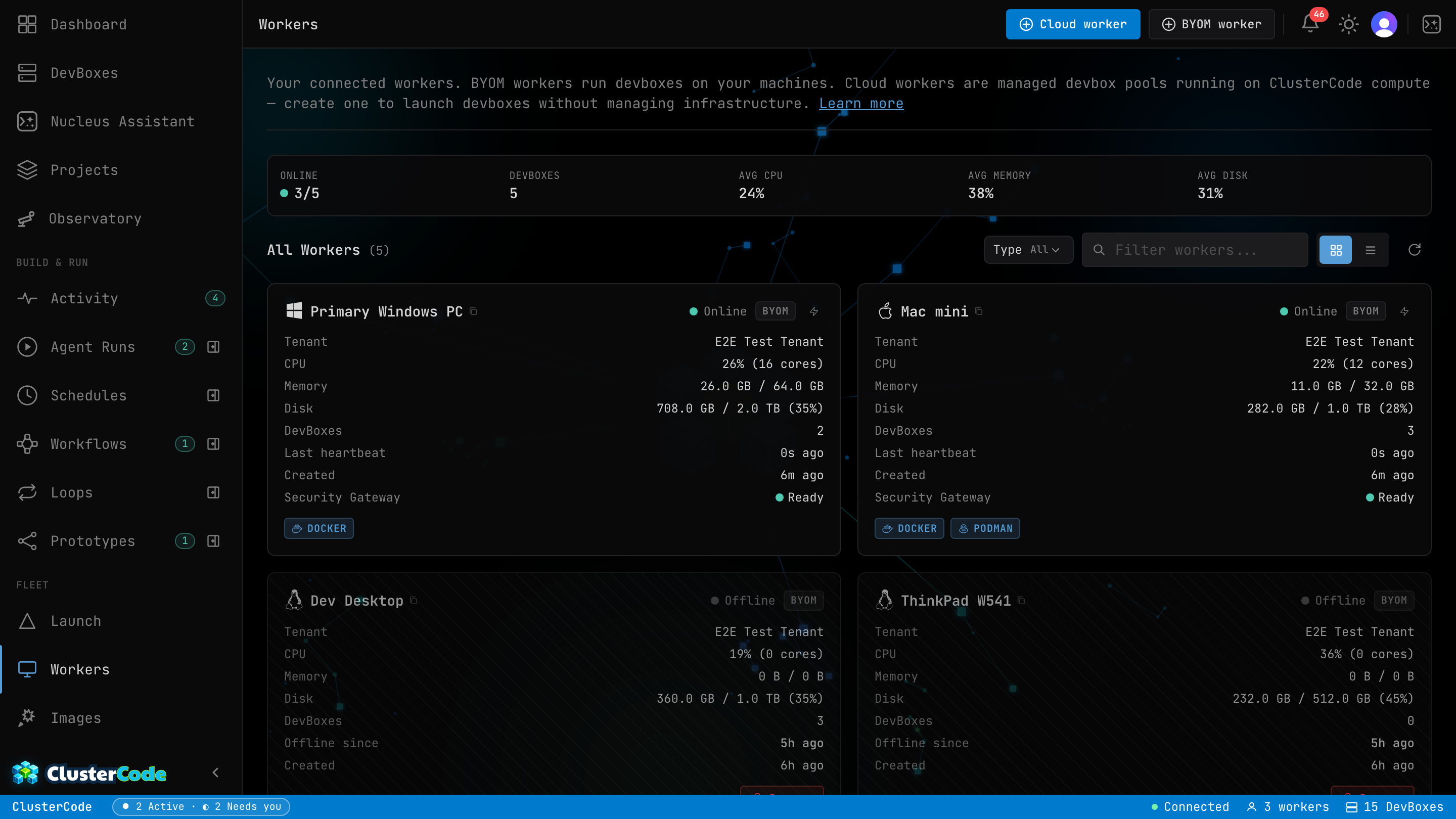
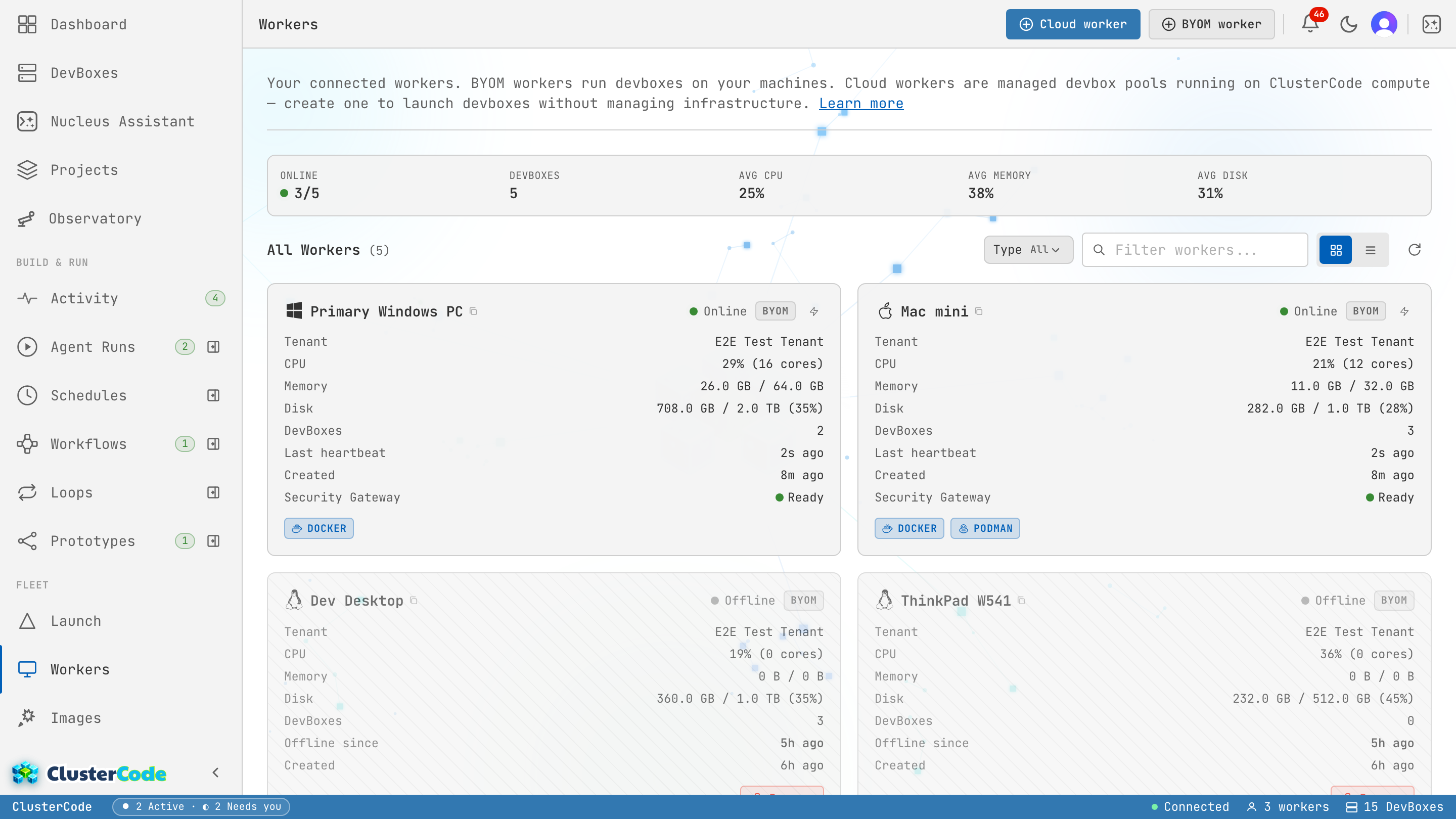
- Workers — your machines (with Podman) that run DevBoxes, or managed Cloud workers when you don’t want to host
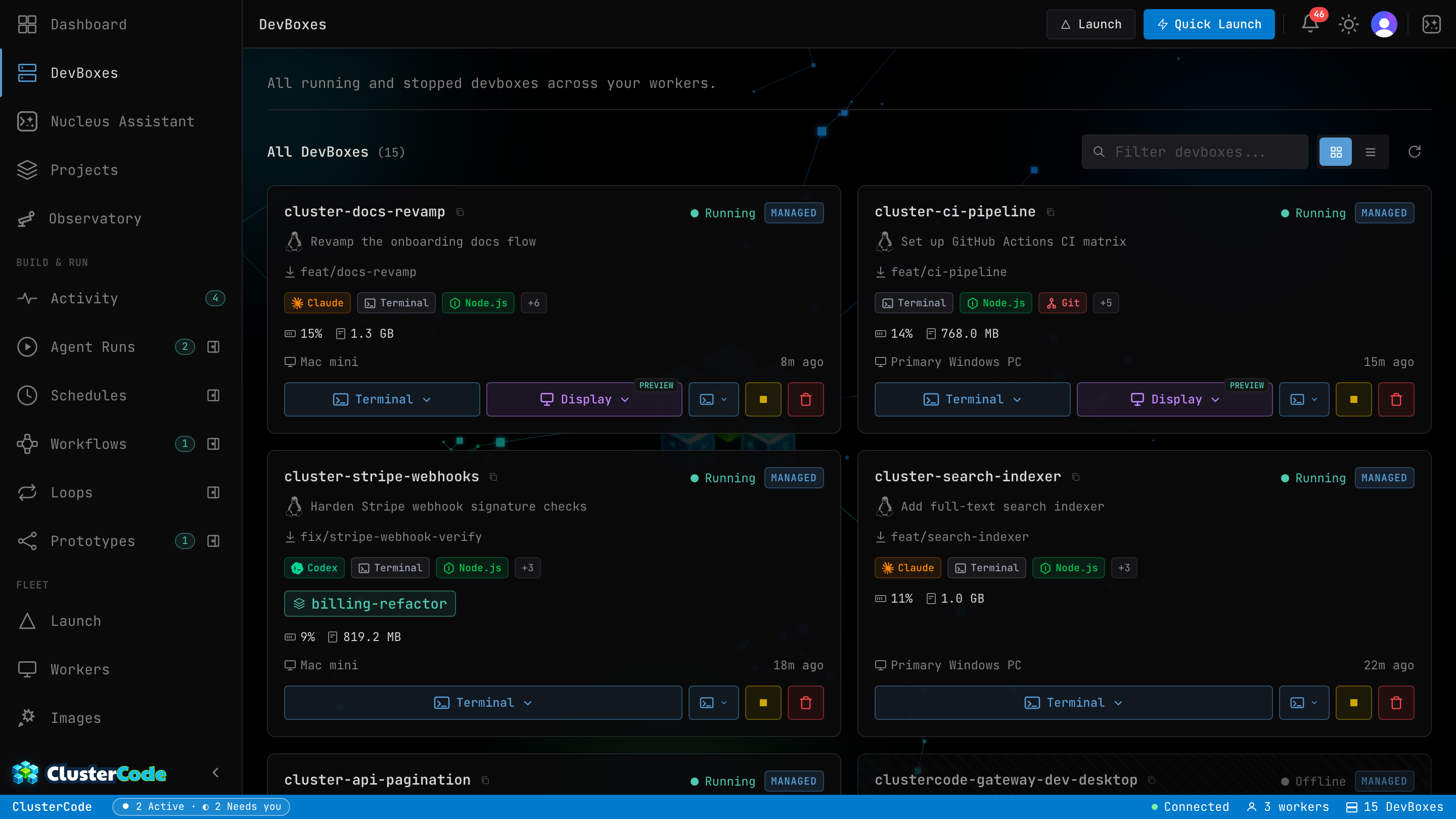
- DevBoxes — isolated dev environments that agents work in
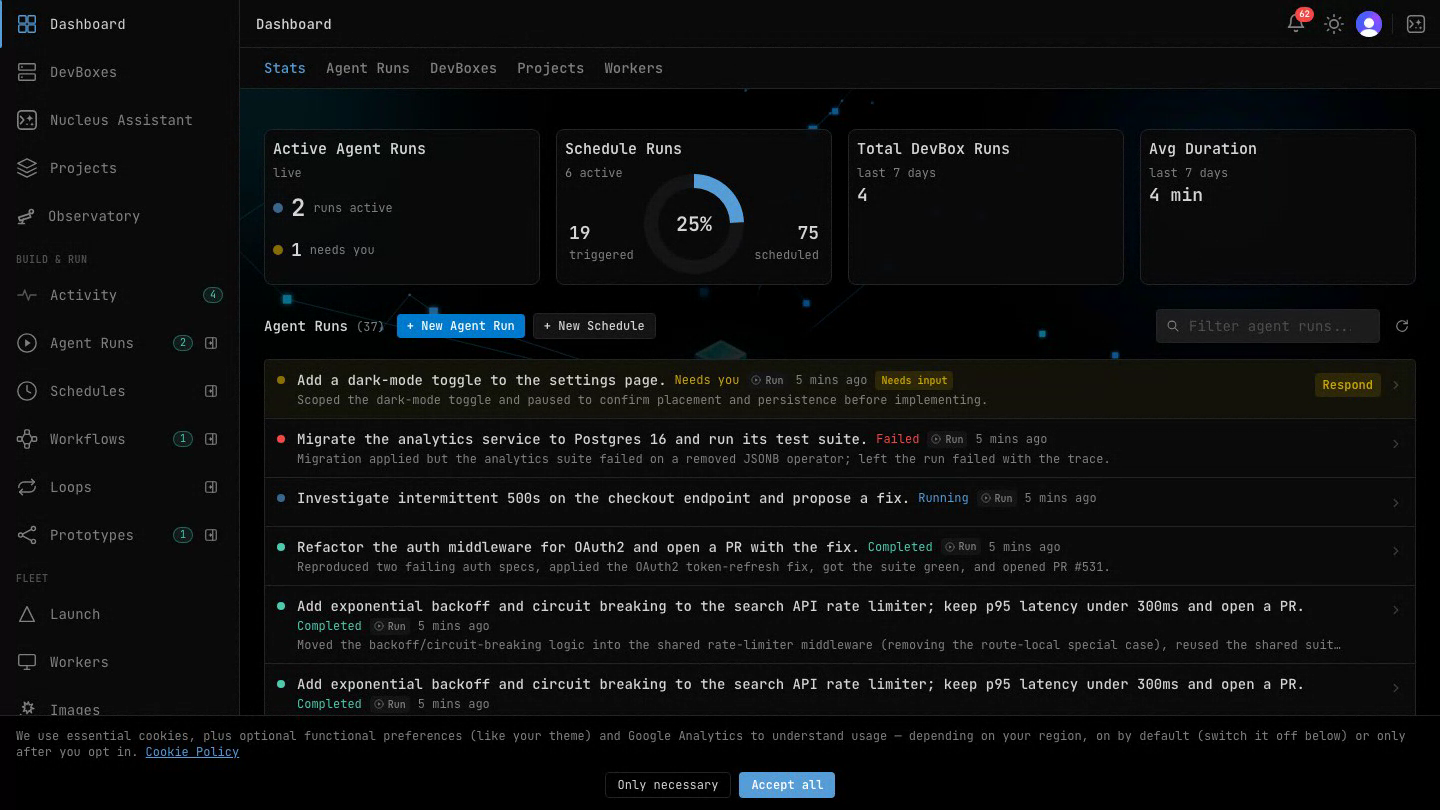
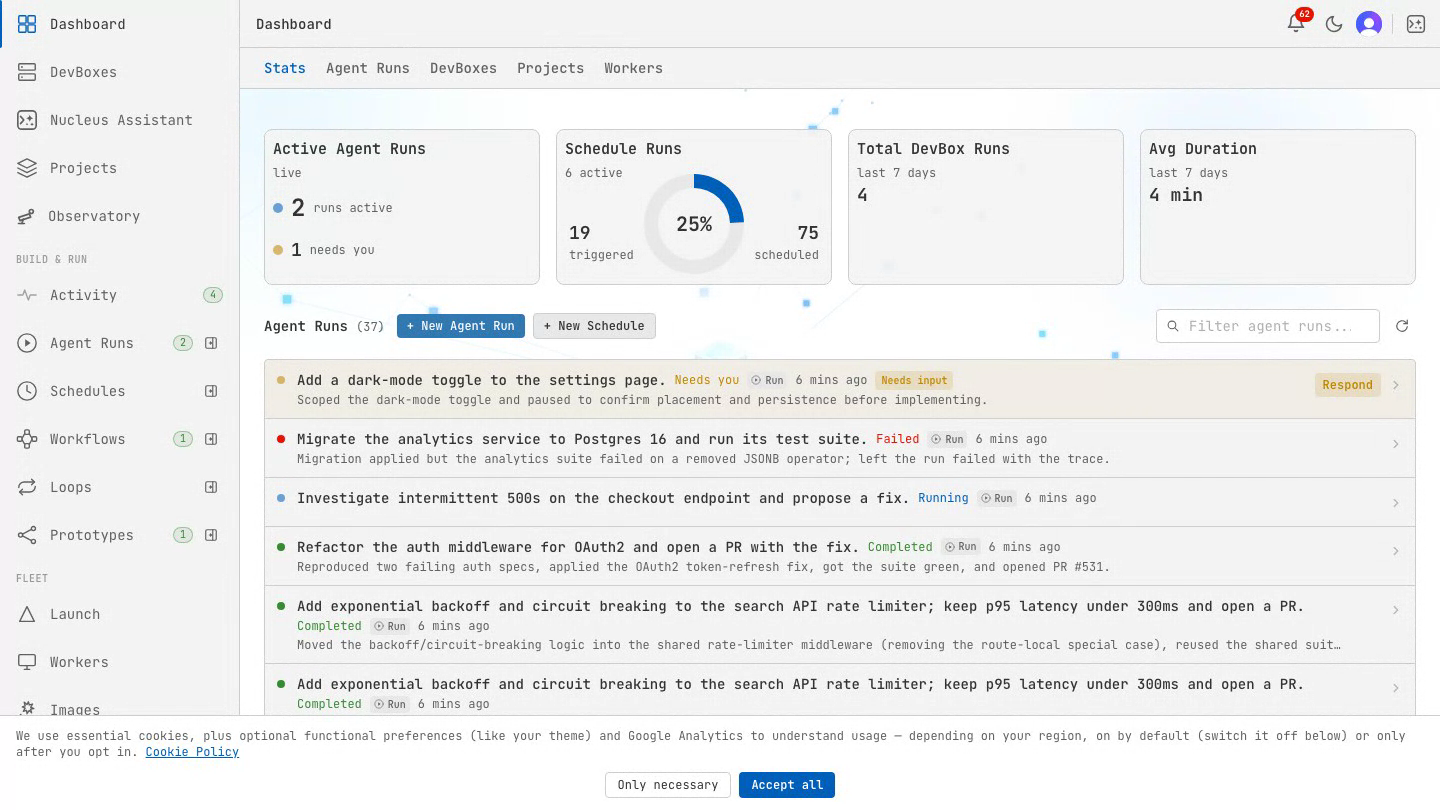
- Projects — group the DevBoxes, runs, and schedules behind one effort into a single dashboard
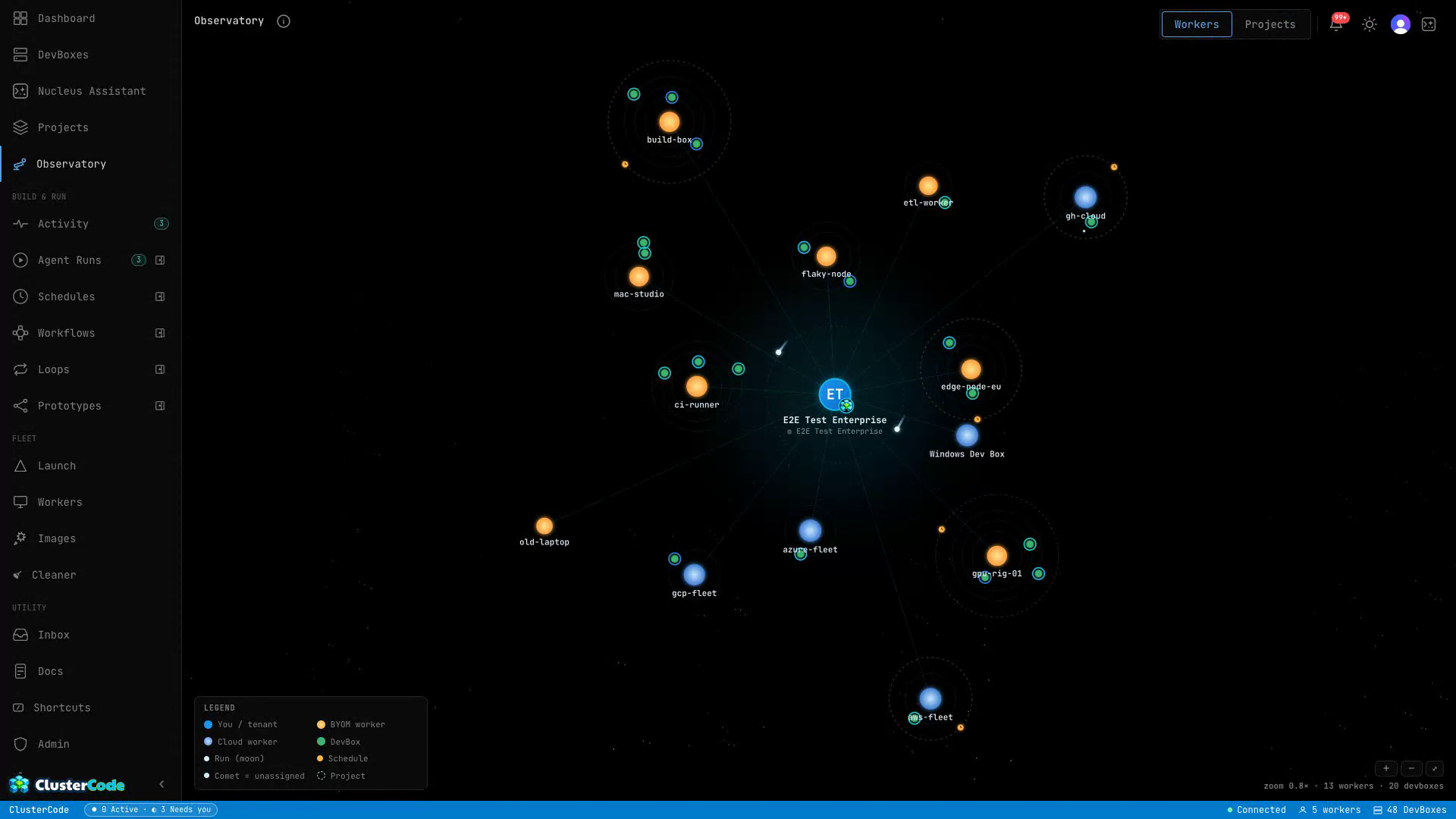
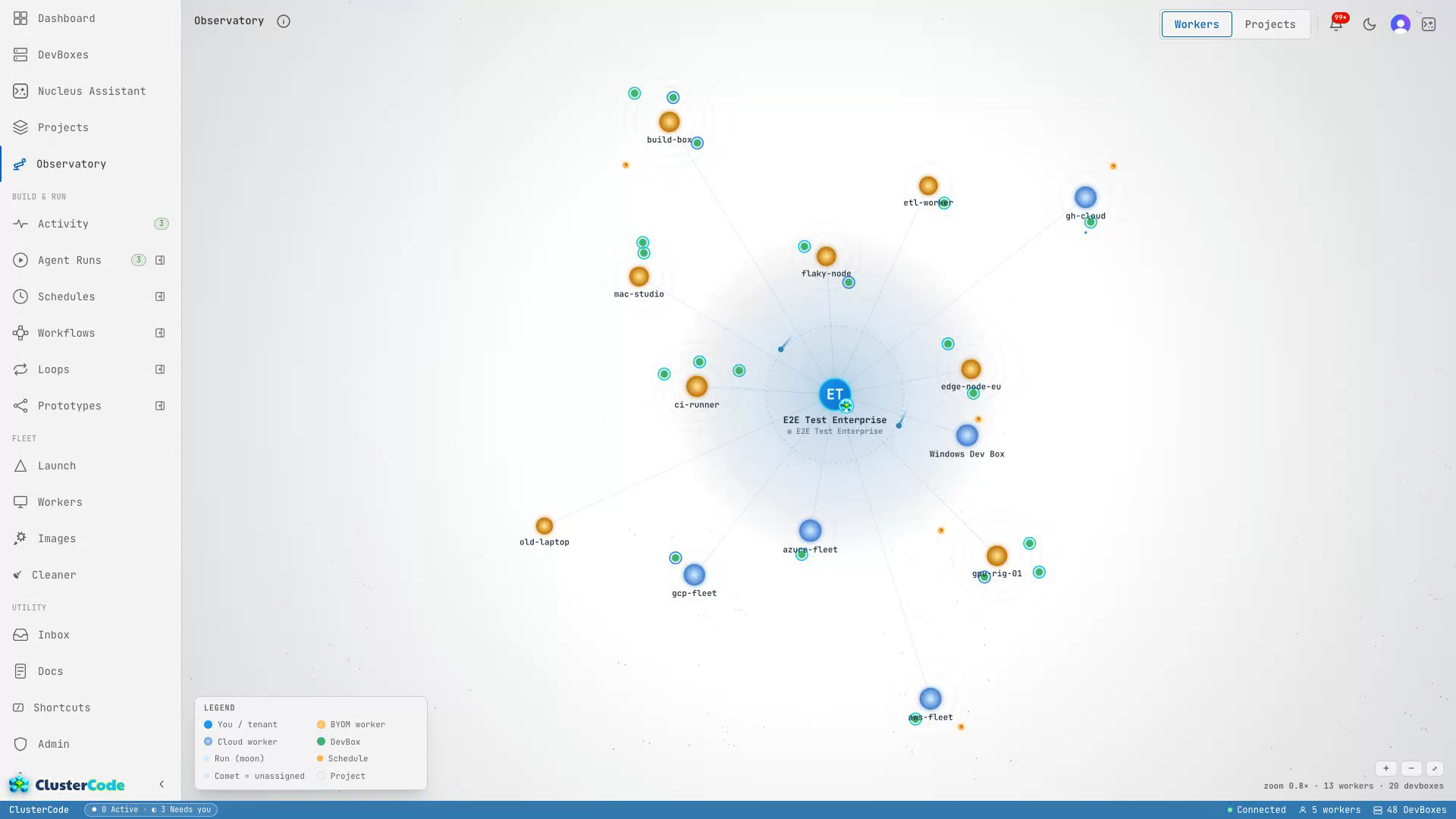
- Observatory — your entire fleet as a navigable galaxy map
- The output — a draft PR, a passing test suite, a working branch
You provide the machines. ClusterCode orchestrates the work.
What It Does
Section titled “What It Does”- Run agents on demand — write a prompt, watch the run’s timeline, steer it mid-flight, and answer the questions it pauses to ask
- Schedule recurring work — autonomous cron jobs that wake up to draft PRs, sweep flaky tests, or audit dependencies, then tear down on their own
- Launch from tickets (the hands-on path) — paste a GitHub issue or Azure DevOps work item and a DevBox spins up with the repo, the ticket context, and the agent CLI ready — then you start the agent, or hand the ticket to a Run
- Pick your engine — Claude Code, Codex, or Copilot do the in-DevBox coding, coordinated by Nova
- Drive it by chat — Nucleus, the in-app assistant, launches DevBoxes, starts runs, and creates schedules from a conversation
- See the whole fleet — the Observatory renders workers, DevBoxes, runs, and schedules as celestial bodies on one living map
- Build images from a DevBox — snapshot a tuned DevBox into a reusable golden image so every future launch starts from that exact state
- Manage multiple workers — connect any number of machines; they phone home to the orchestrator over WebSocket
- Live terminal access — open a web terminal to any running DevBox and watch CPU, memory, and disk per DevBox in real time
Architecture
Section titled “Architecture”Browser (dashboard) │ ▼Orchestrator │ WebSocket (outbound) ▼Worker Agents (one per machine) │ ▼Podman DevBoxes (Claude Code, Copilot, Codex)Each worker connects to the orchestrator over an authenticated, outbound WebSocket — so your machines work behind NAT and firewalls with zero port forwarding.
Next Steps
Section titled “Next Steps”- Quickstart — get running in 5 minutes
- Infrastructure: Workers — understand self-hosted vs Cloud worker
- Automation Overview — how Runs and Schedules fit together
- CLI Reference — all commands at a glance