
Workers
A worker is a machine that runs DevBoxes for ClusterCode. It connects outbound to the orchestrator over WebSocket and executes DevBox operations locally using Podman.
This is Bring Your Own Machine: any computer you already own — a spare laptop, a desktop under a desk, a $6/mo VPS — becomes AI compute for your cluster. No GPU bills, no per-token compute margin, and machines you’ve already paid for finally earn their keep. Prefer not to run hardware? Cloud workers give you the same API on rented machines.
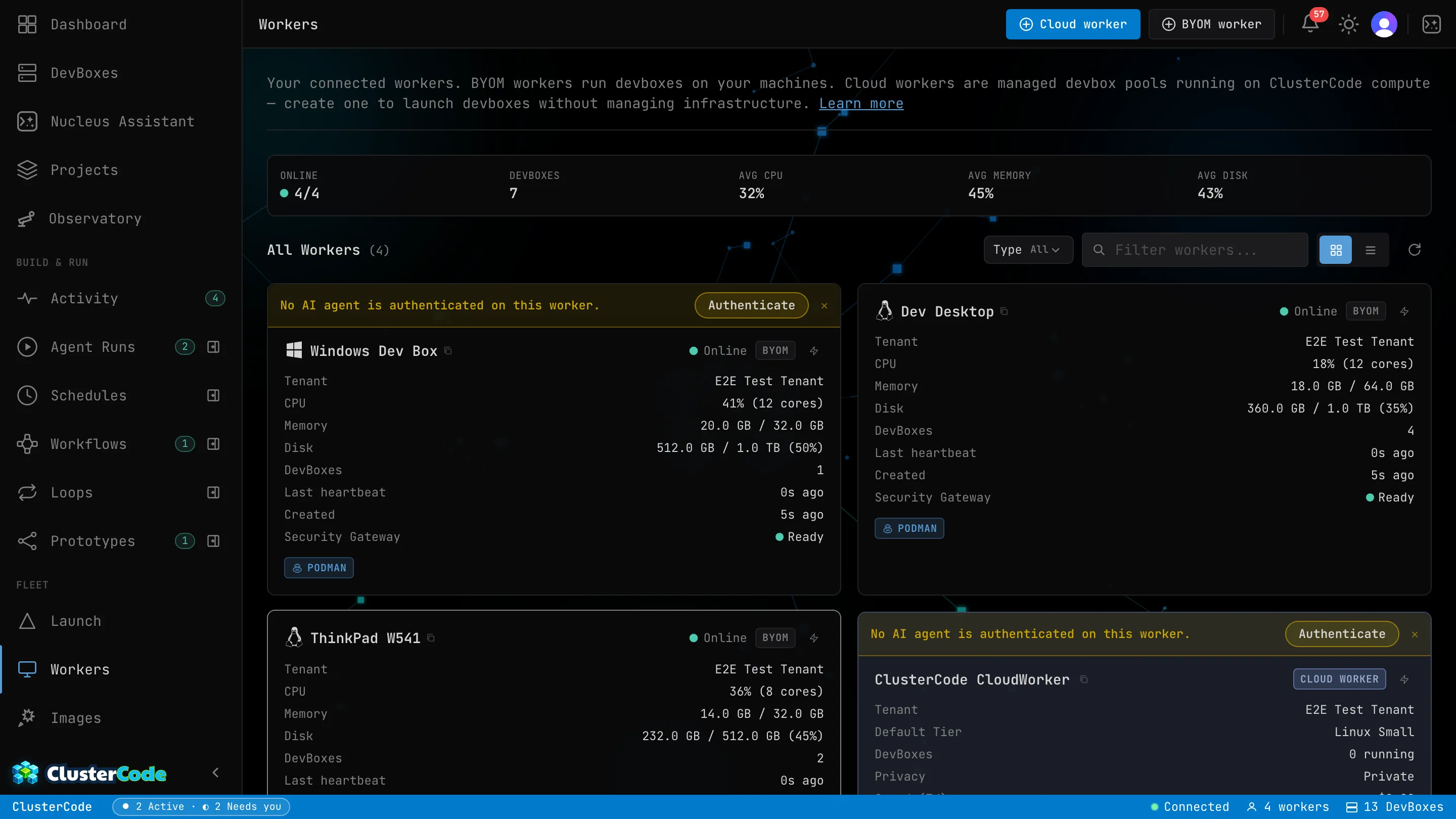
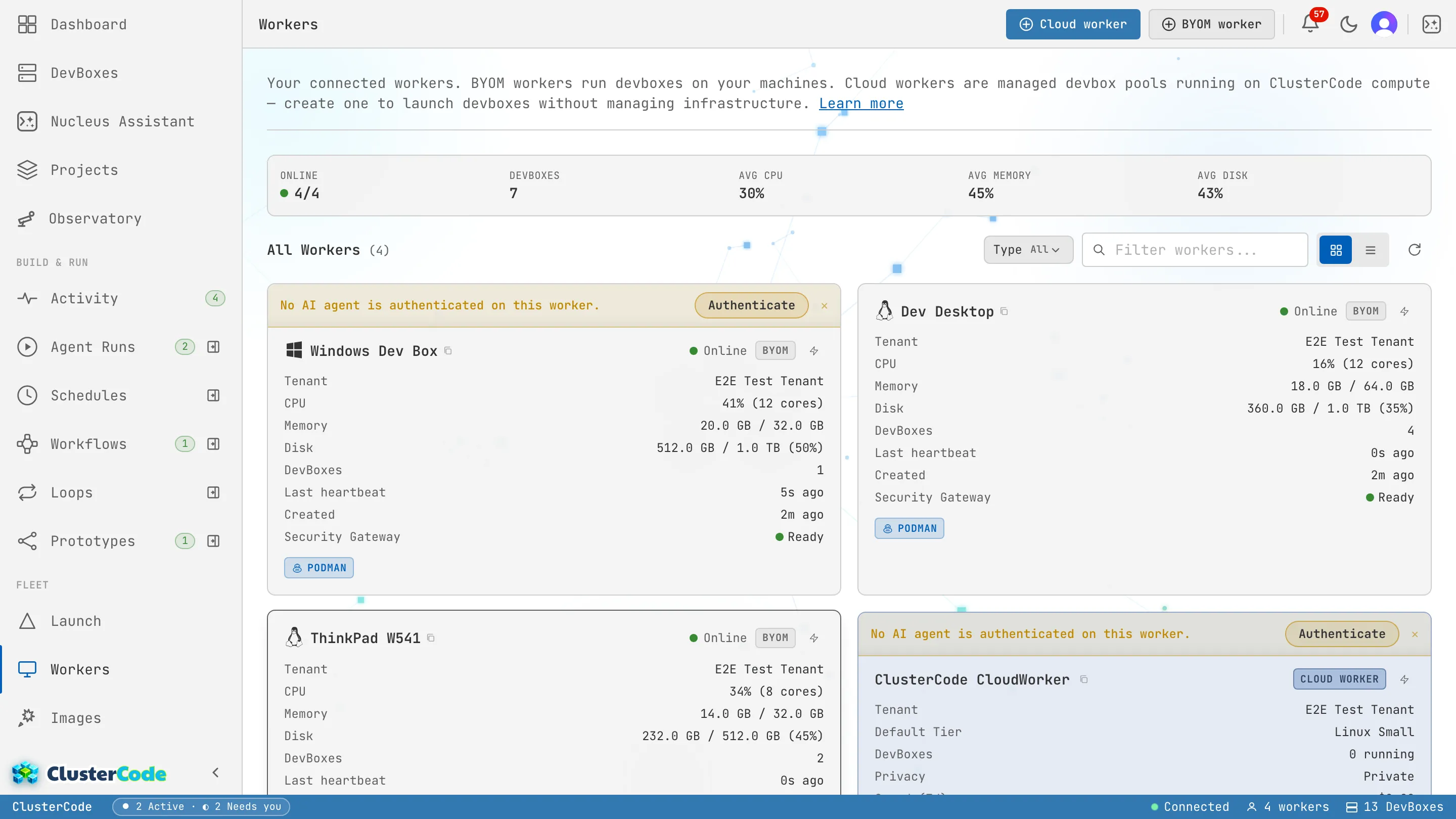
The Workers page lists every machine connected to your orchestrator, with live CPU, memory, disk, and DevBox counts:
Self-Hosted Workers
Section titled “Self-Hosted Workers”Self-hosted workers are machines you control — your laptop, a spare desktop, a cloud VM, a NAS. You install the CLI, register the machine, and it becomes a worker.
Advantages:
- Full control over hardware and network
- No per-minute compute costs
- Works behind NAT and firewalls (outbound connection only)
- Use existing machines you already own
Requirements:
- Node.js 20.12+
- Podman installed and running
- Network access to the orchestrator (outbound WebSocket)
Cloud worker (Managed Compute)
Section titled “Cloud worker (Managed Compute)”Cloud worker is ClusterCode’s managed compute offering. Instead of running workers on your own machines, Cloud worker provides cloud workers that are always on, always available.
Advantages:
- No hardware to maintain
- Always-on availability
- Scales with your plan
- Supports both Linux and Windows DevBoxes
When to use Cloud worker:
- You don’t have spare machines
- You need Windows DevBoxes
- You want zero infrastructure management
- You need workers in specific geographic regions
See the Cloud worker guide for setup details.
How Workers Connect
Section titled “How Workers Connect”Worker Agent (your machine) │ │ WebSocket (outbound, authenticated) │ ▼Orchestrator (cloud or on-premises) │ │ Sends DevBox operations │ ▼Worker Agent executes via PodmanWorkers phone home — they initiate the connection outbound. This means:
- No port forwarding required
- Works behind corporate firewalls
- Works behind NAT routers
- No static IP needed on the worker
If the connection drops, the agent reconnects automatically.
Worker Limits by Plan
Section titled “Worker Limits by Plan”| Resource | Free | Starter | Pro | Enterprise |
|---|---|---|---|---|
| Self-hosted workers (BYOM) | 3 | 8 | 40 5× | 160 20× |
| Concurrent DevBoxes | 6 | 16 | 80 5× | 320 20× |
5× / 20× mark limits where Pro is exactly 5× Starter and Enterprise 20×.
See Plans & Limits for the full breakdown.