
DevBoxes
A DevBox in ClusterCode is an isolated development environment that an agent can work in — with your repo, tools, and credentials in place. Each DevBox gets its own filesystem, network, and runtime — like giving every ticket its own machine.
Lifecycle
Section titled “Lifecycle”| Phase | What happens | Is an agent running? |
|---|---|---|
| Launching | DevBox created from the image; repo cloned; agent CLI and ticket context put in place | No |
| Ready | Environment is up. The live terminal is available. Nothing is running yet unless a Post-Launch Workflow, a Run, or a Schedule started something | Only if something started it |
| Running | The container is up. An agent may or may not be active inside it — “Running” describes the DevBox, not the work | Maybe |
| Stopped | Container halted. The filesystem is retained and the DevBox can be restarted | No |
| Removed | DevBox and its disk are deleted; resources freed. Not recoverable | No |
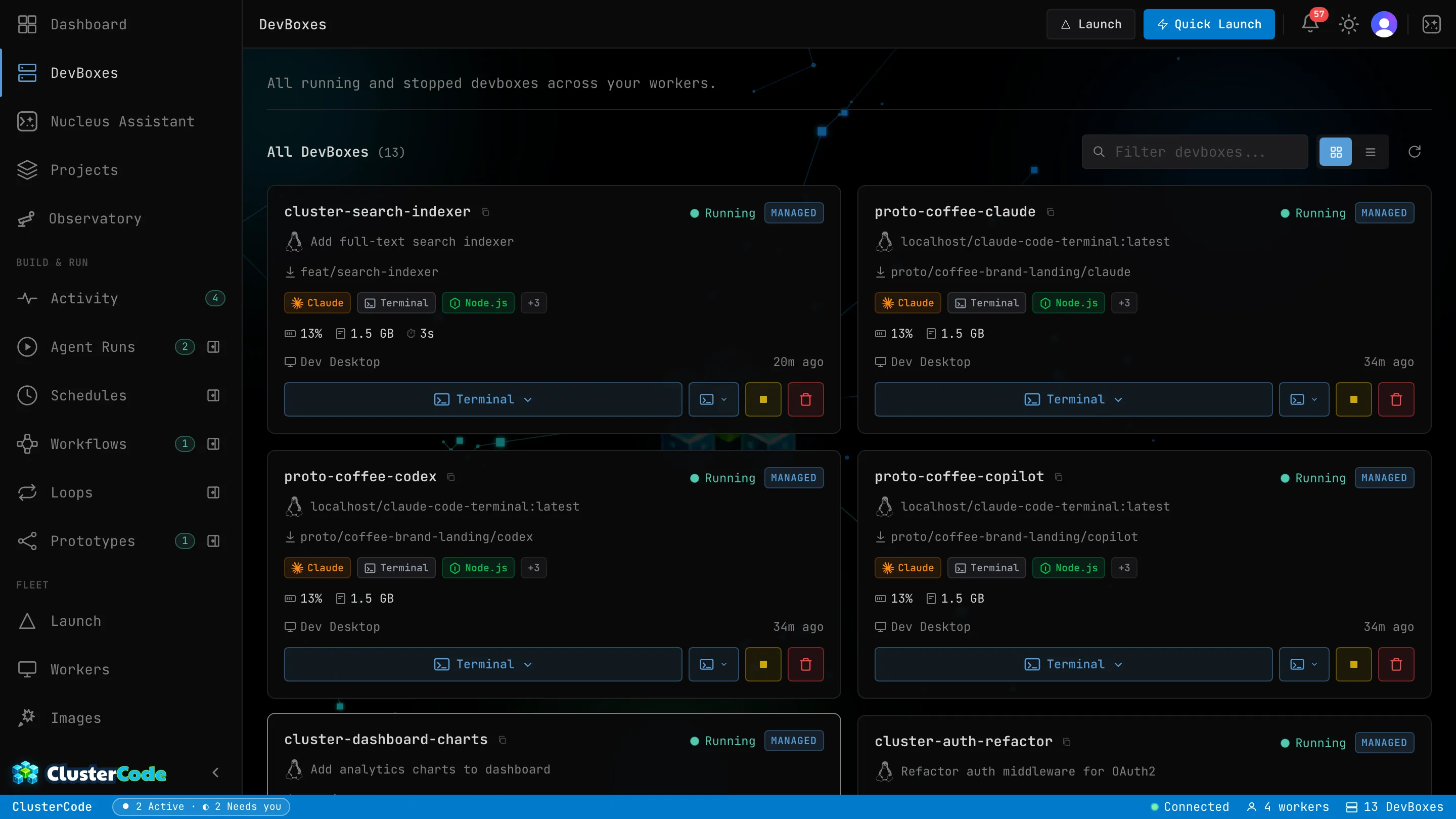
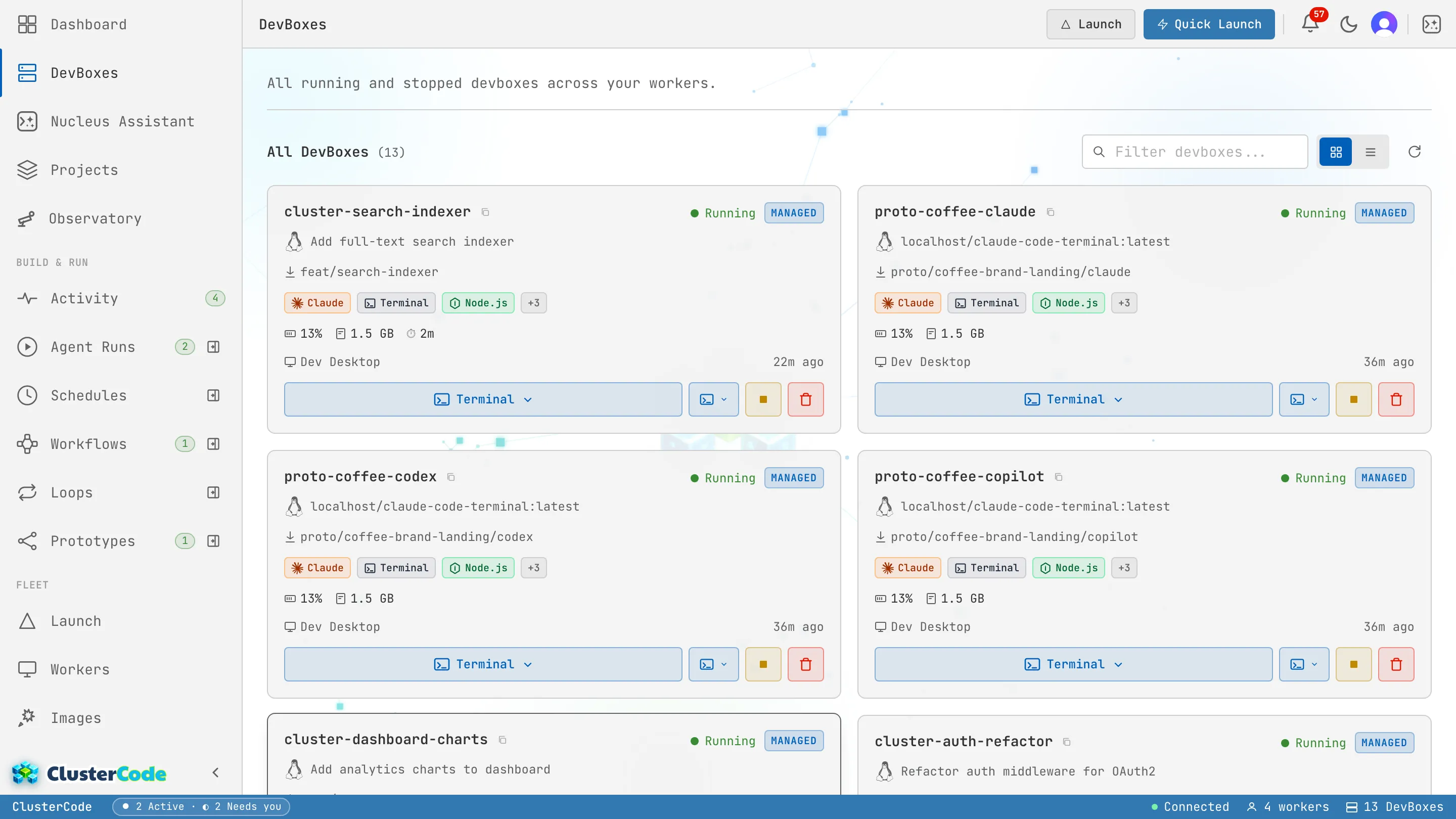
The DevBoxes page shows every DevBox across your workers, with its ticket, branch, capability badges, live resource usage, and status:
Your DevBox outlives your browser
Section titled “Your DevBox outlives your browser”A DevBox is not a browser tab. Close the laptop, lose Wi-Fi, switch machines — the DevBox keeps running on its worker, and anything you started inside it keeps running. When you come back (from any browser, anywhere), the live terminal reattaches and the session is exactly where it was. Long runs survive you leaving; that’s the point.
What’s Inside a DevBox
Section titled “What’s Inside a DevBox”Every DevBox includes:
- An agent CLI, installed and ready to start (Claude Code, GitHub Copilot, or Codex) — installed is not the same as running
- Git, GitHub CLI, tmux, neovim
- The cloned repository with ticket context
- A generated
CLAUDE.mdwith task instructions - Network access for package installs and API calls
Runtime Images
Section titled “Runtime Images”ClusterCode uses Podman container images to define what’s inside each DevBox. The default image (claude-code-terminal) includes everything needed for general development.
You can build custom images for specialized environments. See Custom Containerfile. You can also snapshot a running DevBox into a reusable image — see Build an Image from a DevBox.
DevBox Limits by Plan
Section titled “DevBox Limits by Plan”| Resource | Free | Starter | Pro | Enterprise |
|---|---|---|---|---|
| Concurrent DevBoxes | 6 | 16 | 80 5× | 320 20× |
| DevBox history | 1 day | 14 days | 90 days | 365 days |
5× / 20× mark limits where Pro is exactly 5× Starter and Enterprise 20×.
Interacting with DevBoxes
Section titled “Interacting with DevBoxes”From the orchestrator dashboard:
- Live terminal — web-based terminal connected directly to the DevBox
- Resource monitoring — CPU, memory, disk usage in real time
- VS Code — attach VS Code to a running DevBox for full IDE access
See VS Code Extension for IDE setup.