
Nucleus
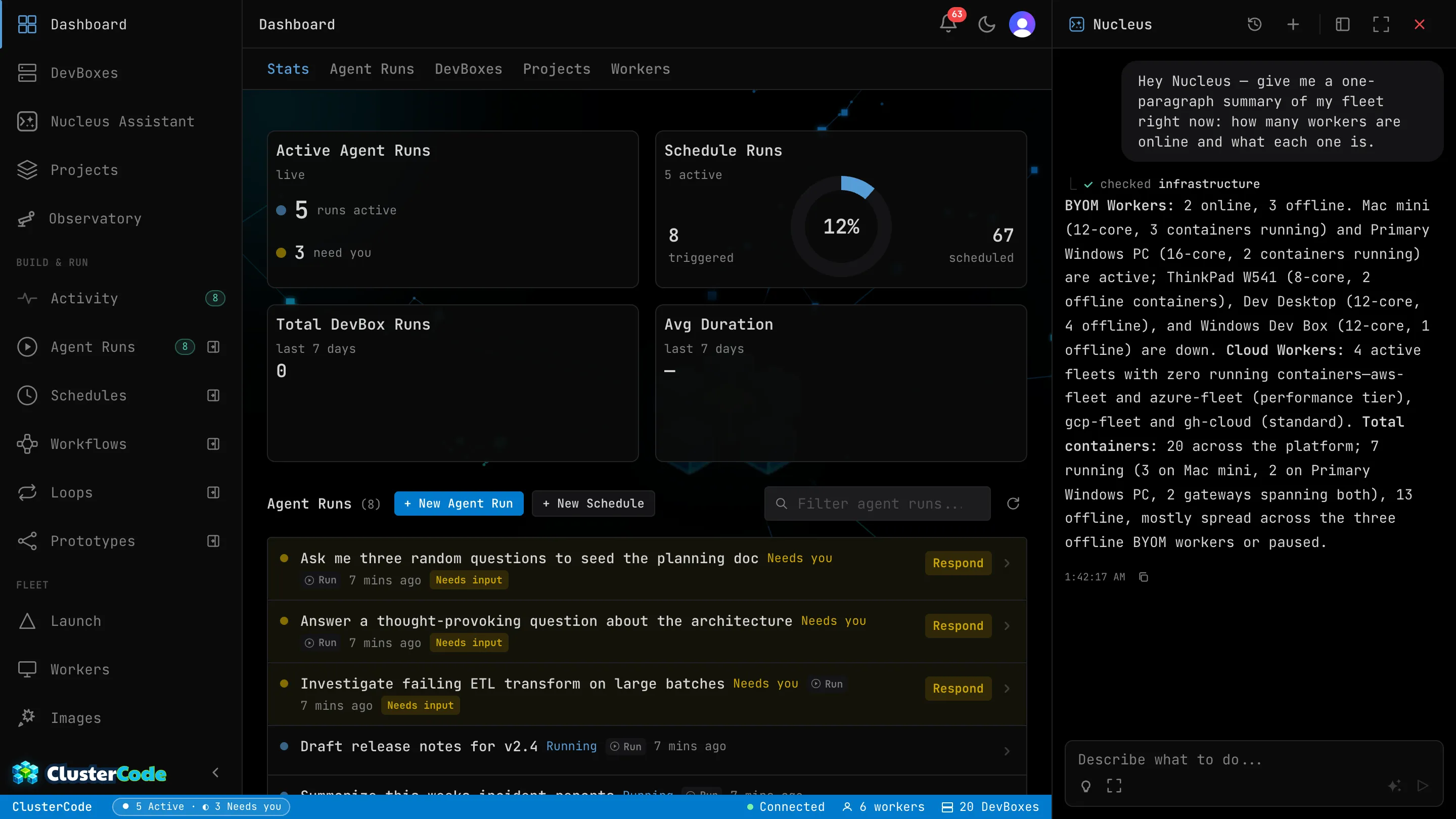
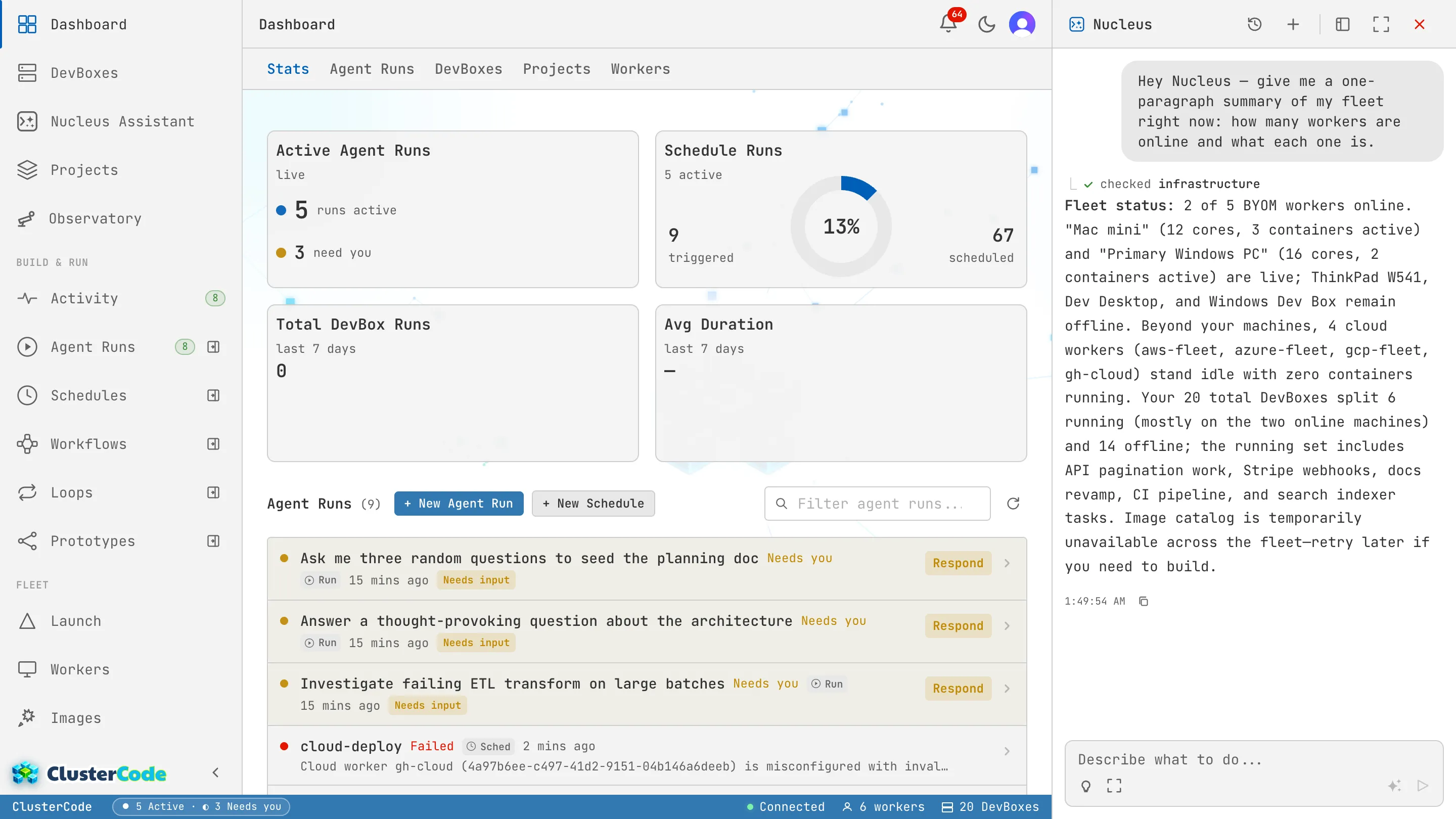
Nucleus is ClusterCode’s built-in AI assistant. It lives in the orchestrator dashboard and helps you manage workers, launch DevBoxes, execute commands, and monitor your cluster — all through natural conversation.
What Nucleus Can Do
Section titled “What Nucleus Can Do”- Launch DevBoxes from tickets — “Launch a DevBox for github.com/org/repo/issues/42”
- Execute commands — “Run npm start in DevBox X” or start long-running processes in the background
- Open terminals and displays — “Open a terminal on DevBox X” or open a VNC display for GUI interaction
- Build images — “Build the claude-code-terminal image” with composable capabilities
- Monitor status — “What’s running on worker-1?” or get details on a specific DevBox
- Fetch tickets — Pull details from GitHub Issues or Azure DevOps work items
- Navigate the UI — Nucleus can direct you to any page in the dashboard
- Read docs — Nucleus can look up ClusterCode documentation to answer your questions
How It Works
Section titled “How It Works”When you ask Nucleus to do something, it:
- Interprets your request
- Takes the action on your cluster
- Confirms with you before executing destructive operations
- Reports the result
Ask it anything from its chat panel, open from anywhere in the orchestrator dashboard, and follow along as it works through the steps live.
Budget
Section titled “Budget”Nucleus sessions use AI credits from your plan allowance:
| Resource | Free | Starter | Pro | Enterprise |
|---|---|---|---|---|
| Platform AI allowance | None | $2/mo | $6/mo | $10/mo |
5× / 20× mark limits where Pro is exactly 5× Starter and Enterprise 20×.
On Enterprise the allowance is per user.
You can also bring your own key for usage beyond your plan — an Anthropic API key or a Claude OAuth token, stored under Environment Variables → Agent Secrets and switched on under Settings → App AI Assistants. See AI Credits for how the allowance works.
Nucleus vs Nova
Section titled “Nucleus vs Nova”ClusterCode has two agents, both Anthropic-powered, with different jobs:
- Nucleus — the interactive assistant on this page. You chat with it to manage your cluster (launch DevBoxes, run commands, check status), and it answers you in the same breath.
- Nova — the background automation agent. You don’t chat with it; you give it a job — a Run, a Schedule, a Loop — and it executes that job end-to-end on its own, unattended if need be.
Each has its own customization file, and neither reads the other’s: NUCLEUS.md for this assistant, and NOVA.md for the coordinator. Both are stored against your account, so both follow you to any browser you sign in from — and NOVA.md is still there for an unattended 3 a.m. Schedule with nobody watching.
- Ask Nucleus to launch a DevBox from a GitHub issue or Azure DevOps ticket
- Enable host networking when launching to test from your phone at host-ip:port
- Try: “Open a terminal on DevBox X” to get a live shell
- Nucleus will confirm launch details with you before creating a DevBox